Appearance
Library Code (PHP)
✨ Example - WordPress REST API
This example implements a REST API endpoint.
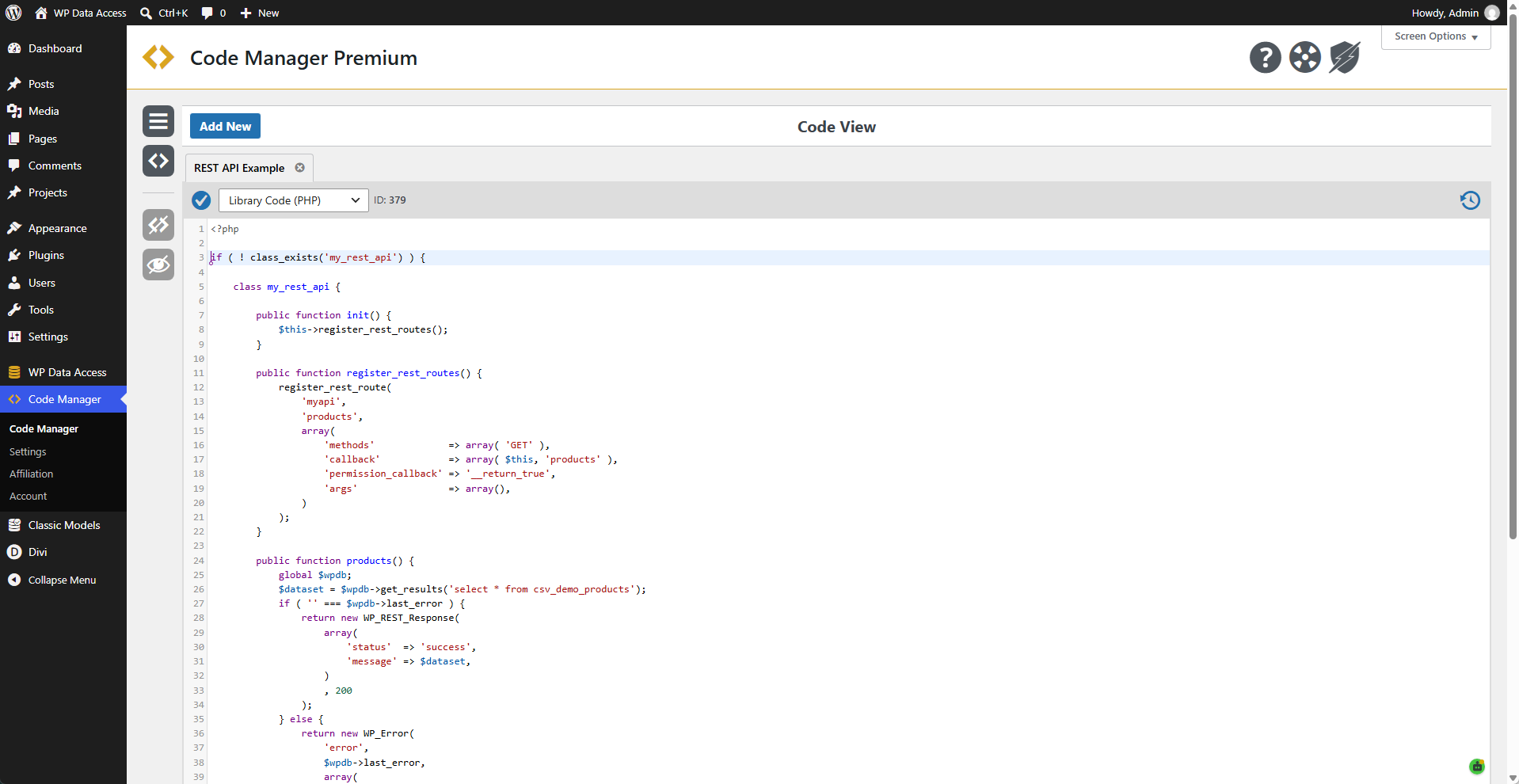
 Code
Code
php
<?php

if ( ! class_exists('my_rest_api') ) {

	class my_rest_api {

		public function init() {
			$this->register_rest_routes();
		}

		public function register_rest_routes() {
			register_rest_route(
				'myapi',
				'products',
				array(
					'methods'             => array( 'GET' ),
					'callback'            => array( $this, 'products' ),
					'permission_callback' => '__return_true',
					'args'                => array(),
				)
			);
		}

		public function products() {
			global $wpdb;
			$dataset = $wpdb->get_results('select * from csv_demo_products');
			if ( '' === $wpdb->last_error ) {
				return new WP_REST_Response(
					array(
						'status'  => 'success',
						'message' => $dataset,
					)
					, 200
				);
			} else {
				return new WP_Error(
					'error',
					$wpdb->last_error,
					array(
						'status' => 403
					)
				);
			}

		}

	}

	add_action(
		'rest_api_init',
		function() {
			$my_rest_api = new my_rest_api();
			$my_rest_api->init();
		}
	);

}

?>
Usage
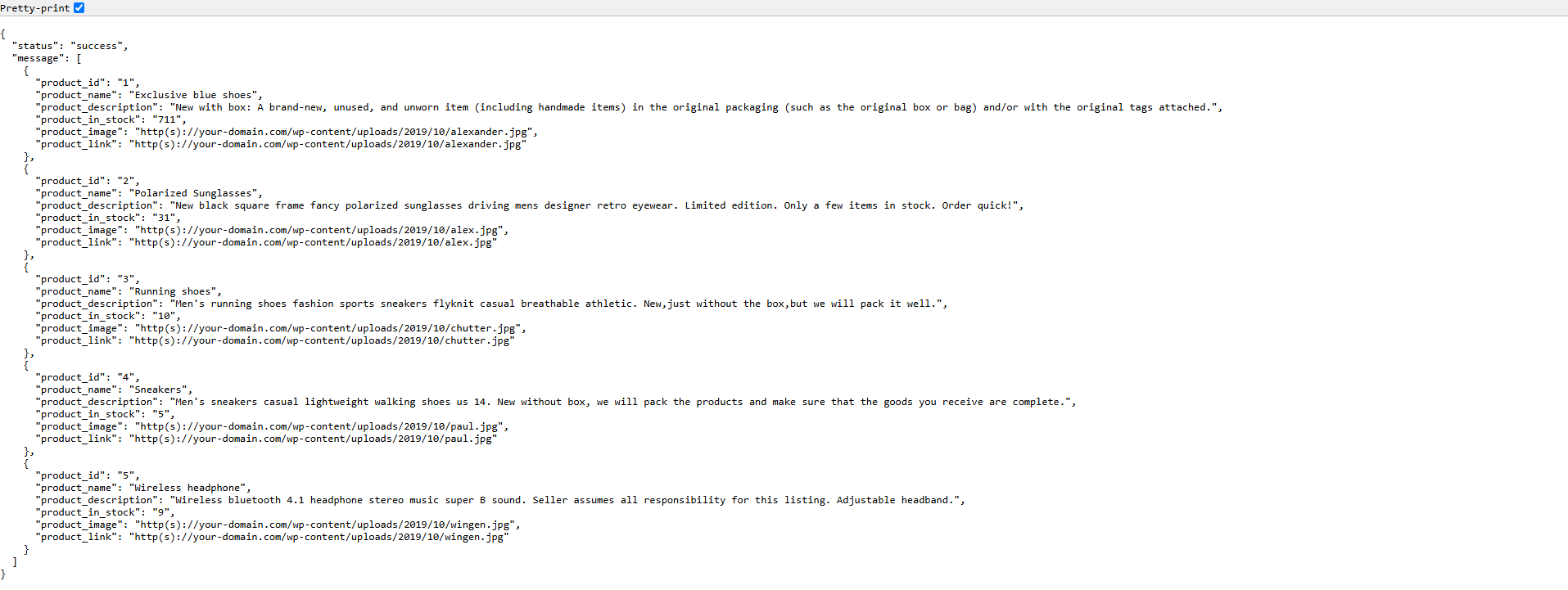
URL pattern to use the provided REST API endpoint.
http(s)://your-domain.com/wp-json/myapi/productsOutput
Output for the provided REST API endpoint in a browser.
✨ Example - WordPress Plugin
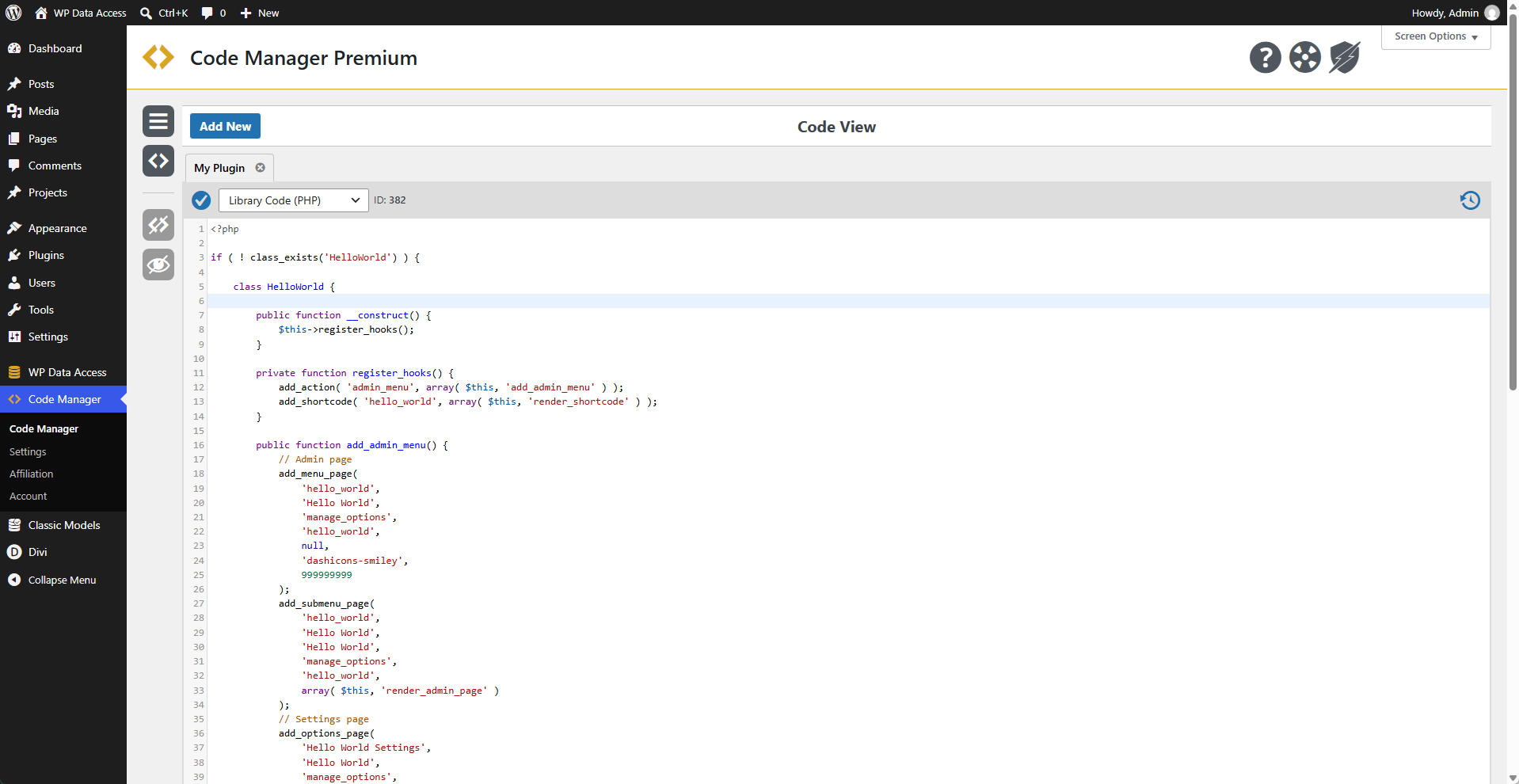
This example demonstrates how a plugin can be created using the Code Manager.
Code
This code is meant for demonstration purposes only. It is by no means a fully functional plugin.
php
<?php

if ( ! class_exists('HelloWorld') ) {

	class HelloWorld {

		public function __construct() {
			$this->register_hooks();
		}

		private function register_hooks() {
			add_action( 'admin_menu', array( $this, 'add_admin_menu' ) );
			add_shortcode( 'hello_world', array( $this, 'render_shortcode' ) );
		}

		public function add_admin_menu() {
			// Admin page
			add_menu_page(
                'hello_world',
                'Hello World',
				'manage_options',
                'hello_world',
				null,
				'dashicons-smiley',
				999999999
			);
			add_submenu_page(
                'hello_world',
                'Hello World',
                'Hello World',
                'manage_options',
                'hello_world',
                array( $this, 'render_admin_page' )
            );
			// Settings page
			add_options_page(
				'Hello World Settings',
				'Hello World',
				'manage_options',
				'hello_world_settings',
				array( $this, 'render_settings_page' )
			);
		}

		public function render_admin_page() {
			if ( ! current_user_can( 'manage_options' ) ) {
				return;
			}
			?>
			<div class="wrap">
				<h1>Hello World</h1>
				<p>Hello World from admin page!</p>
			</div>
			<?php
		}

		public function render_settings_page() {
			if ( ! current_user_can( 'manage_options' ) ) {
				return;
			}
			?>
			<div class="wrap">
				<h1>Hello World Settings</h1>
				<p>Hello World from settings page!</p>
			</div>
			<?php
		}

		public function render_shortcode( $atts ) {
			// Shortcode
			$atts = shortcode_atts(
				array(
					'text' => 'Hello World!',
				),
				$atts,
				'hello_world'
			);

			return '<p class="hello-world-output">' . esc_html( $atts['text'] ) . '</p>';
		}
	}

	function hello_world() {
		new HelloWorld();
	}
	add_action( 'plugins_loaded', 'hello_world', 11, 1 );

}

?>
Possibilities & Limitations
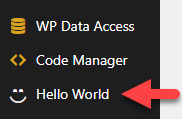
- The plugin is added to the WordPress dashboard menu.
- It is not available through the plugins menu.
- It must be managed from the Code Manager dashboard.
- External files are not available (e.g., language files).
- Not advisable for complex or multilingual plugins.
- Great for prototyping or small plugins.
✨ Example - Make WordPress User Login Available In SQL
This example applies to the WP Data Access plugin. It makes the WordPress user login available in SQL queries. This action has no effect on other queries.
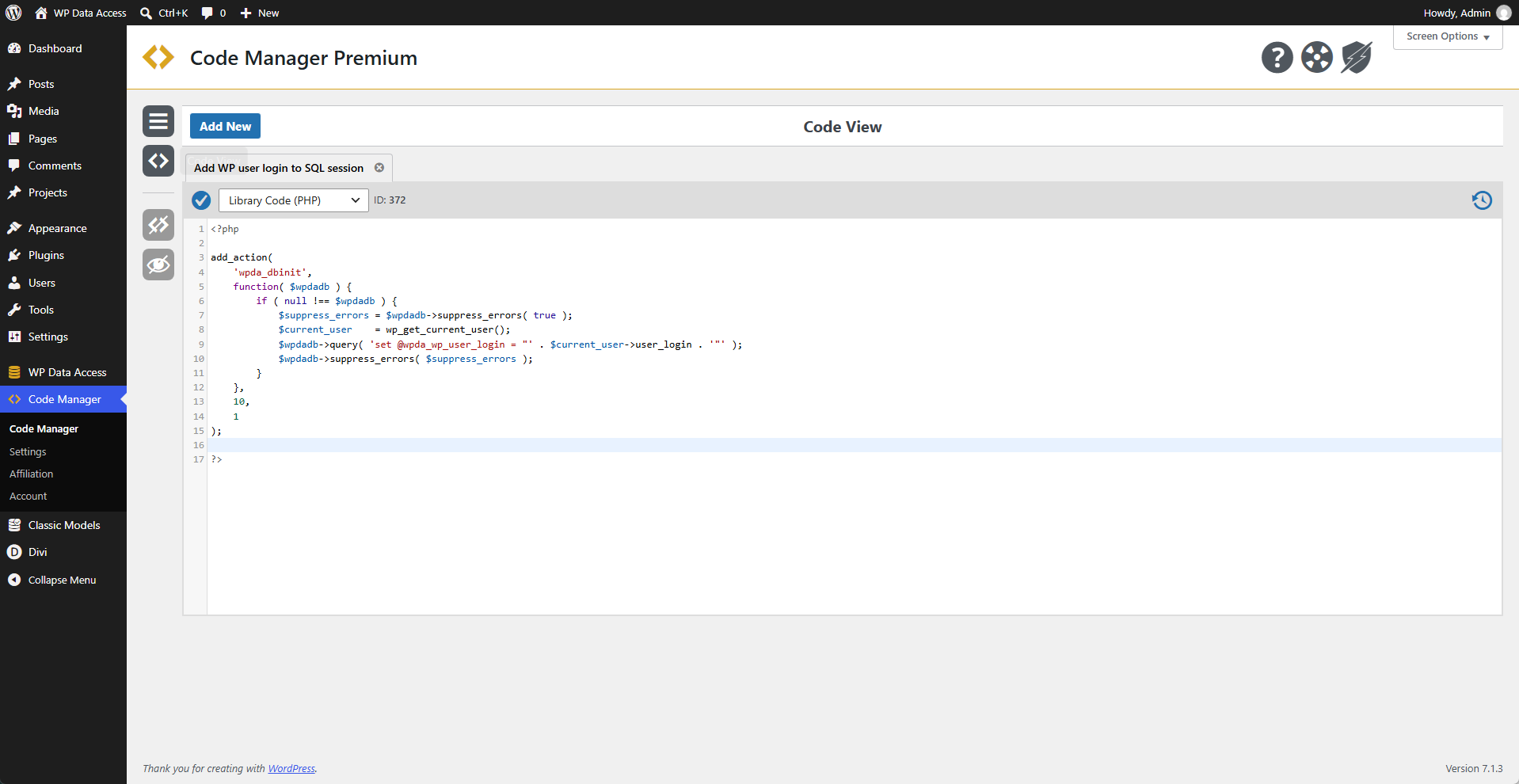
Code
php
<?php

add_action(
	'wpda_dbinit',
	function( $wpdadb ) {
		if ( null !== $wpdadb ) {
			$suppress_errors = $wpdadb->suppress_errors( true );
			$current_user    = wp_get_current_user();
			$wpdadb->query( 'set @wpda_wp_user_login = "' . $current_user->user_login . '"' );
			$wpdadb->suppress_errors( $suppress_errors );
		}
	},
	10,
	1
);

?>
Usage
Use the WordPress user login in SQL.
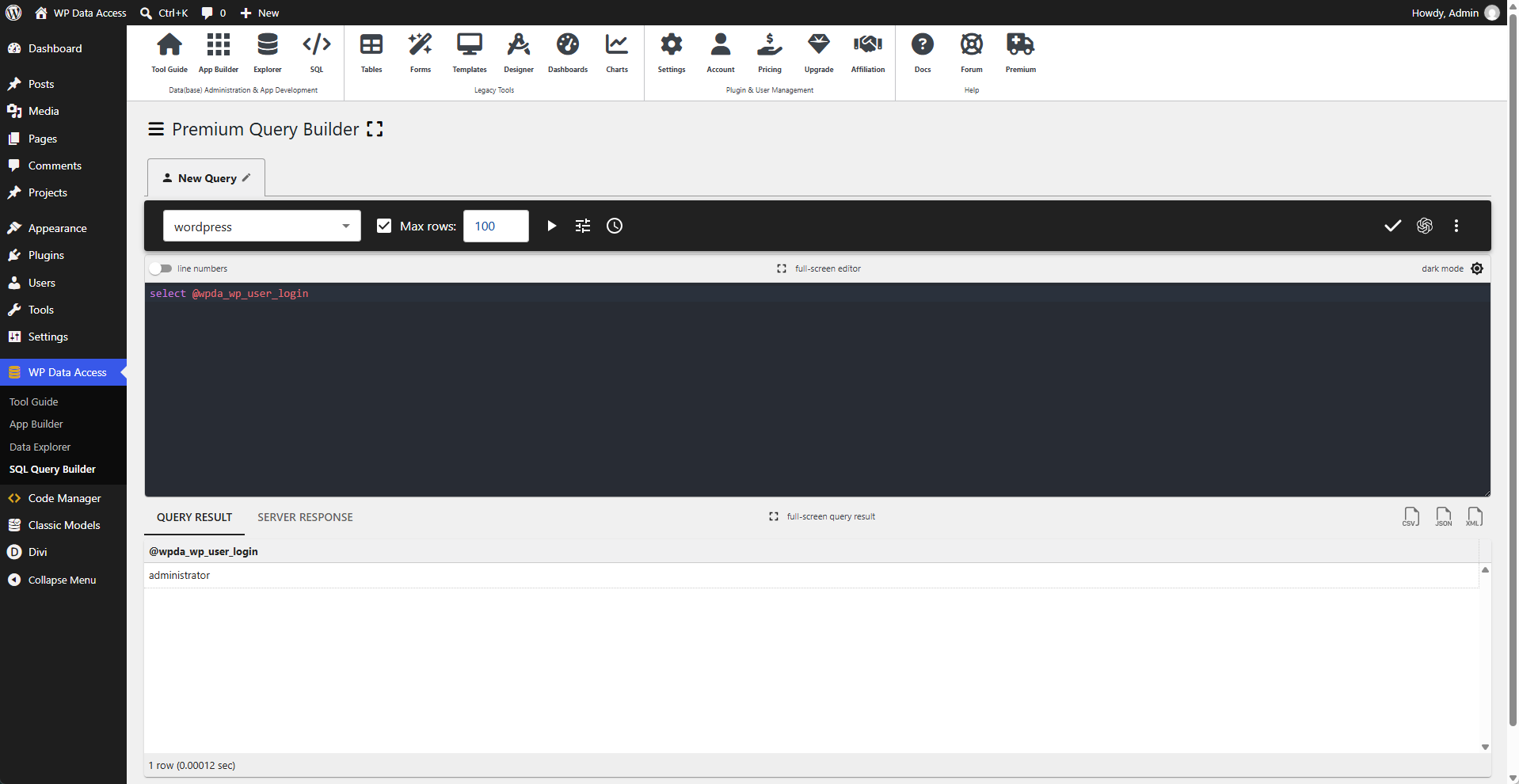
For more information, follow the link below to the WP Data Access documentation.