Appearance
JavaScript Shortcodes
Use JavaScript shortcodes to add dynamic content to web pages using JavaScript.
✨ Example - Add Font Awesome To Web Page
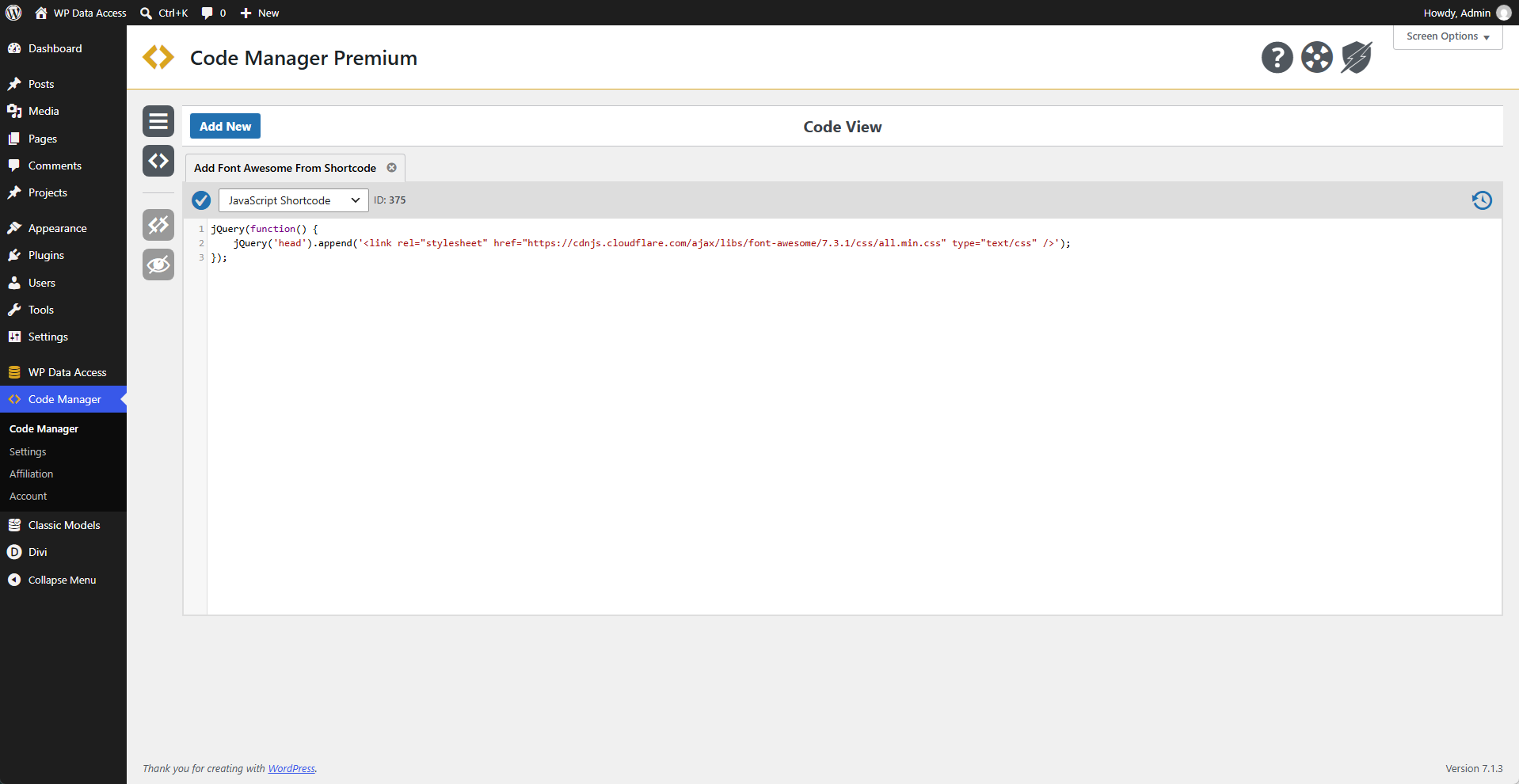
This JavaScript code makes Font Awesome available on a public page.
 Code
Code
js
jQuery(function() {
	jQuery('head').append('<link rel="stylesheet" href="https://cdnjs.cloudflare.com/ajax/libs/font-awesome/7.3.1/css/all.min.css" type="text/css" />');
});
Add To Web Page
[cmruncode id="375"]OR
[cmruncode name="Add Font Awesome From Shortcode"]Usage
Use Font Awesome in your HTML.
html
<i class="fas fa-home"></i>✨ Example - JSON Web Service
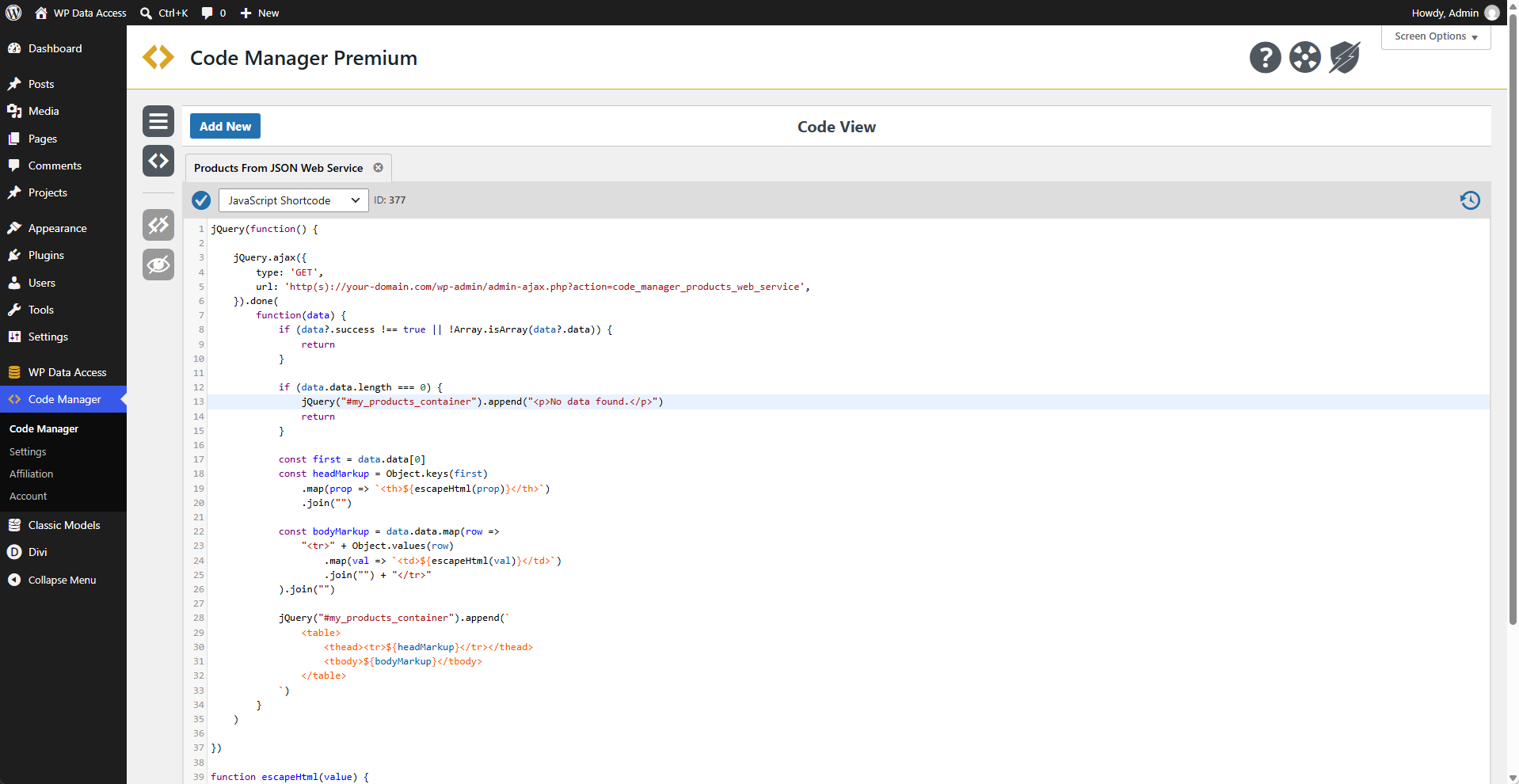
This JavaScript code consumes a JSON web service and adds the response to a web page.
Code
js
jQuery(function() {
jQuery.ajax({
type: 'GET',
url: 'http(s)://your-domain.com/wp-admin/admin-ajax.php?action=code_manager_products_web_service',
}).done(
function(data) {
if (data?.success !== true || !Array.isArray(data?.data)) {
return
}
if (data.data.length === 0) {
jQuery("#my_products_container").append("<p>No data found.</p>")
return
}
const first = data.data[0]
const headMarkup = Object.keys(first)
.map(prop => `<th>${escapeHtml(prop)}</th>`)
.join("")
const bodyMarkup = data.data.map(row =>
"<tr>" + Object.values(row)
.map(val => `<td>${escapeHtml(val)}</td>`)
.join("") + "</tr>"
).join("")
jQuery("#my_products_container").append(`
<table>
<thead><tr>${headMarkup}</tr></thead>
<tbody>${bodyMarkup}</tbody>
</table>
`)
}
)
})
function escapeHtml(value) {
return String(value ?? "")
.replace(/&/g, "&")
.replace(/</g, "<")
.replace(/>/g, ">")
.replace(/"/g, """)
.replace(/'/g, "'")
}Add To Web Page
[cmruncode id="377"]OR
[cmruncode name="Products From JSON Web Service"]Usage
This code example requires the
#my_products_containercontainer to be available on the page.
html
<div id="my_products_container"></div>Output
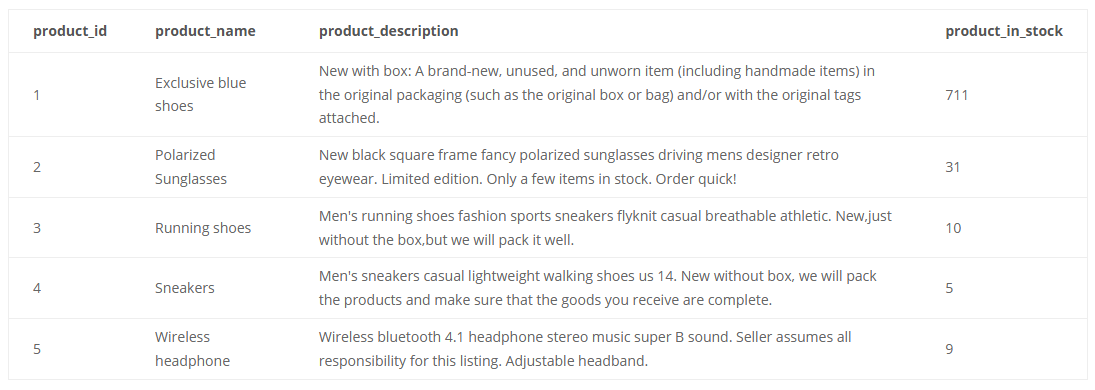
The columns product_image and product_link were removed from the table using CSS.
Implement JSON Web Service With The Code Manager
The JSON web service called in this example can also be implemented using the Code Manager. Follow the link below to view its implementation.