Appearance
PHP Shortcodes
Use PHP shortcodes to add dynamic content to web pages using PHP.
✨ Example - Connect To Remote Database
This example uses the WP Data Access plugin to connect to a remote database and use a cursor to build a data table.
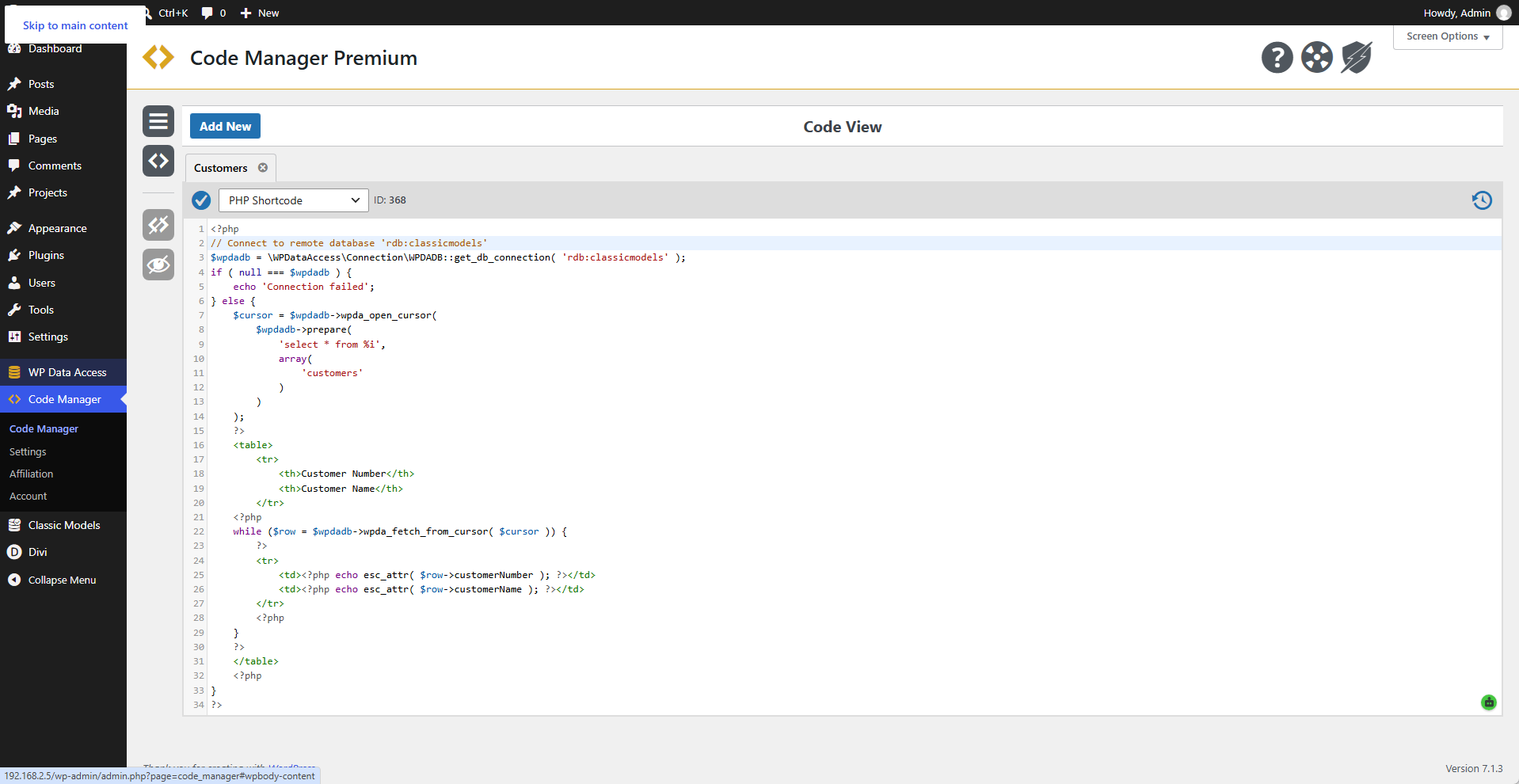
 Code
Code
php
<?php
// Connect to remote database 'rdb:classicmodels'
$wpdadb = \WPDataAccess\Connection\WPDADB::get_db_connection( 'rdb:classicmodels' );
if ( null === $wpdadb ) {
	echo 'Connection failed';
} else {
	$cursor = $wpdadb->wpda_open_cursor(
		$wpdadb->prepare(
			'select * from %i',
			array(
				'customers'
			)
		)
	);
	?>
	<table>
		<tr>
			<th>Customer Number</th>
			<th>Customer Name</th>
		</tr>
	<?php
	while ( $row = $wpdadb->wpda_fetch_from_cursor( $cursor ) ) {
		?>
		<tr>
			<td><?php echo esc_attr( $row->customerNumber ); ?></td>
			<td><?php echo esc_attr( $row->customerName ); ?></td>
		</tr>
		<?php
	}
	?>
	</table>
	<?php
}
?>
Add To Web Page
[cmruncode id="368"]OR
[cmruncode name="Customers"]Output
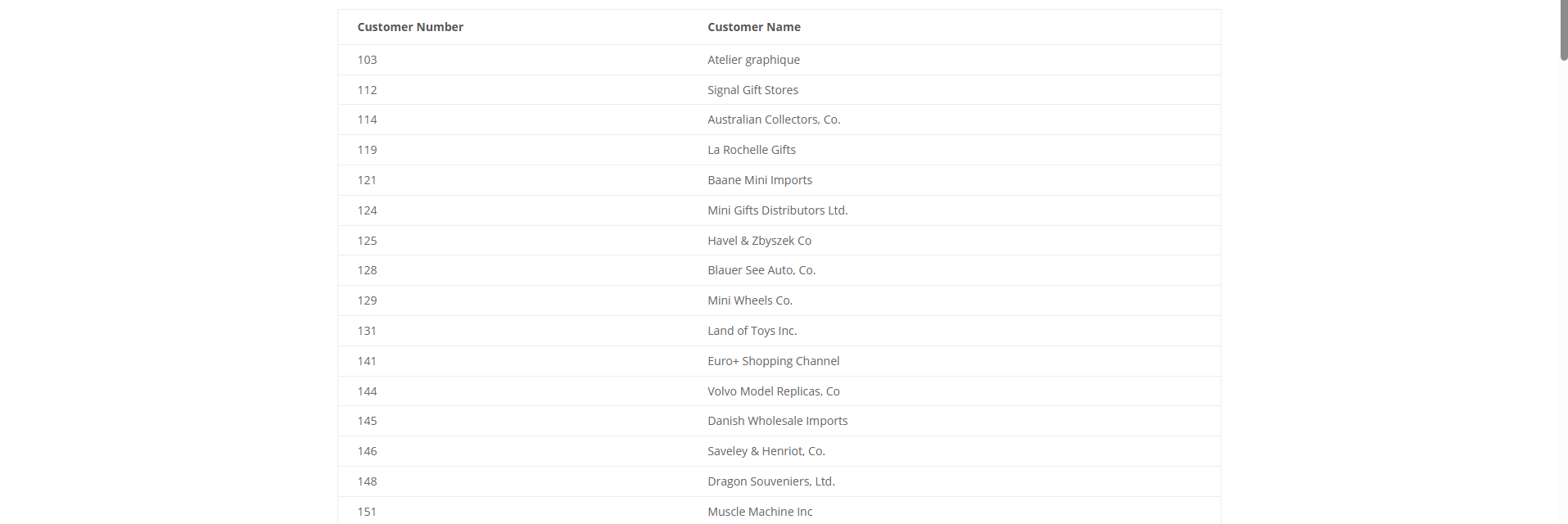
📌 Your output may look different depending on your device and installed plugins and themes.
Custom Parameters
The Code Manager supports custom parameters like:
[cmruncode name="Customers" param1="ABC123" any_name_param="DEF456"]Use global $wpda_shortcode_args in your code to get access to arguments like:
php
global $wpda_shortcode_args;
if ( isset( $wpda_shortcode_args['param1'] )  && isset( $wpda_shortcode_args['any_name_param'] ) ) {
	// Your code goes here...
}